


Greater Manchester’s Bee Network is the first in the UK to allow passengers of all ages to buy bus and tram tickets directly in Apple Wallet and save them to a digital Bee Card. Building on the earlier UK-first rollout of Our Pass for 16- to 18-year-olds being integrated into Apple Wallet, riders can now simply tap an iPhone or Apple Watch to travel.
Once a user purchases a ticket, the ticket will be available on a Bee Card in Apple Wallet which can be used by simply tapping an Apple device to a card reader when travelling on the Bee Network. For those with Express Mode enabled, there is no need to wake or unlock the device, or even open an app — simply hold an iPhone near a reader to pay and go.
Recommended Articles
 A Building In Manchester City Centre Has Partially Collapsed – Here’s Everything We Know So Far
 Overtaking Stockport and Altrincham, this historic market town near Greater Manchester has officially been crowned the region’s happiest place to live
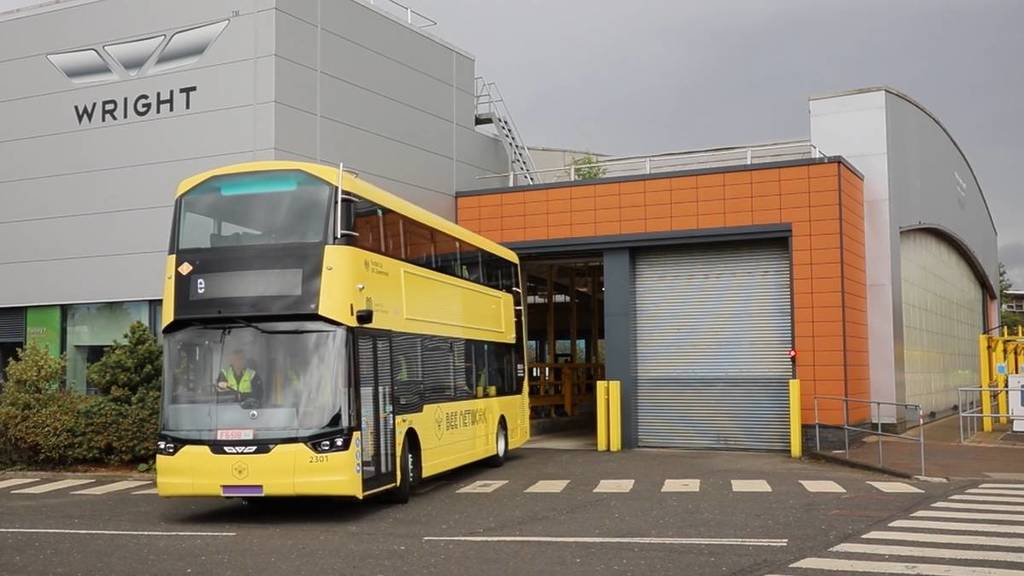
Vernon Everitt, Transport Commissioner for Greater Manchester, said: “The Bee Network is modernising public transport, making it easier for people to travel around Greater Manchester on trams, buses and, soon, trains.
“Earlier this year, Our Pass became the first dedicated travel card in the UK to be integrated into Apple Wallet, benefiting young people across Greater Manchester. We are now giving Apple users of all ages a new way to pay for travel on the Bee Network, which is easy, secure and private.
“This is a further way in which we are making it easier for people to use public transport alongside other improvements like free travel for young people, keeping all fares low and introducing new services like night buses for every district.”

How to add a Bee Card to Apple Wallet
Apple users can add a new Bee Card by opening Apple Wallet, tapping the plus (+) button, selecting ‘Travel Card’ and choosing ‘Bee Network’. They then choose a ticket to purchase.
The tickets available include 1-day and 7-day options for bus, tram or both as well as weekend and family tickets. Once the ticket has been bought, passengers can use it by tapping their iPhone or Apple Watch on the reader on the bus or at the tram platform.

Young people can also add their Our Pass to Apple Wallet through the Bee Network app by selecting “Tickets,” tapping “My Tickets,” and then following the prompts to add Our Pass to Apple Wallet.
However, iOS 27 is the minimum operating system required for the Bee Card in Apple Wallet. Express Mode requires iPhone Xr or later, or Apple Watch Series 6 or later. Only one digital Bee Card can be enabled with Express Mode at a time.

Which Bee Network tickets are available to buy in Apple Wallet?
Eight adult and family Bee Network tickets are available to purchase in Apple Wallet:
- 1-day Bee Bus
- 1-day Bee Bus Family – off-peak
- 7-day Bee Bus
- Weekend Tram – all zones
- 7-day Tram – all zones
- Weekend Tram Family – all zones
- 1-day Bus + Tram – all zones
- 7-day Bus + Tram – all zones
Anyone who prefers to pay for their journey using the Bee Network’s Tap and Go system can still do so using their credit or debit card in Apple Wallet. Passengers can also buy bus and tram tickets directly from the Bee Network app.
